Skip to content
Scienta Omicron

SES TO PEAK

Upgrade to PEAK.

See live data, reuse measurement sequences, and connect acquisition to your workflow. Ask local service about upgrading your instrument.

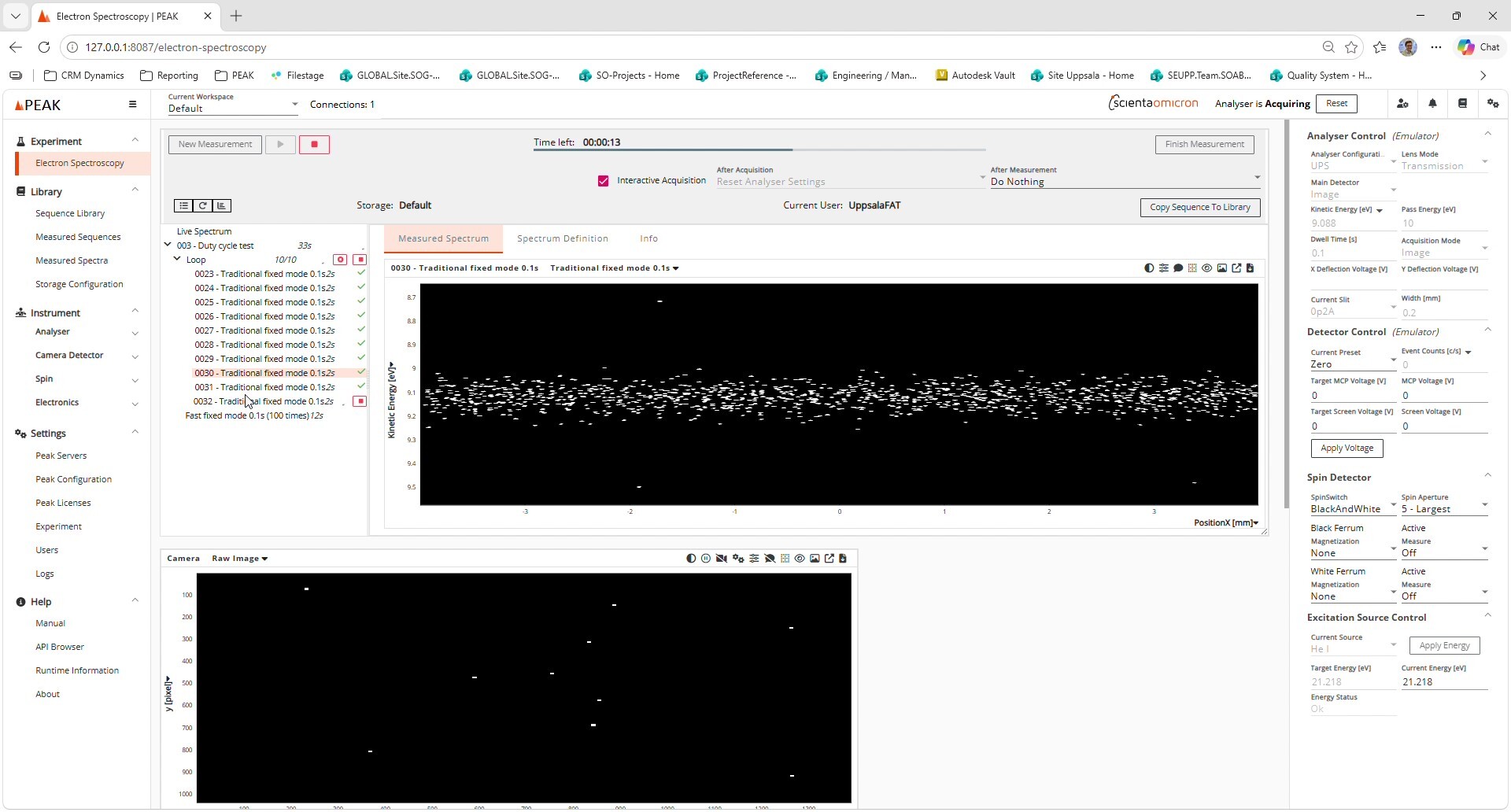
PEAK acquisition interface with the current Scienta Omicron logo; demonstration using an emulated analyser
PEAK acquisition interface · Demonstration using an emulated analyser
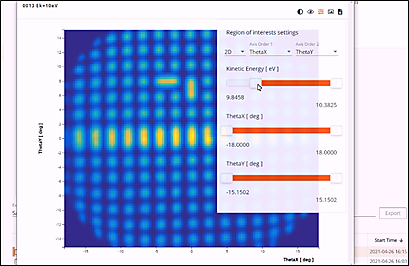
PEAK data visualisation example

PEAK data visualisation — example view

YOUR EXPERIMENT. YOUR WORKFLOW.

Connect acquisition with the way you work.

Use the documented PEAK API to configure measurements and acquire spectra through scripts or external software. HDF5-format data supports analysis beyond the acquisition application.

Exploring AI-assisted workflows?

PEAK’s API and structured data provide interfaces for custom AI integrations. An AI agent and any MCP server require separate implementation and validation.

WHY PEAK

More from every measurement.

01

Live data

View 1D/2D spectra and slice multidimensional data as you acquire.

02

Reusable sequences

Build measurements using loops and spectral regions from your sequence library. Add or reorder regions during acquisition.

03

Individual fast snapshot spectra

Use Iterations for fast fixed-mode snapshots with individual spectra and up to 98% duty cycle.* *400 spectra, 50 ms acquisition time, at 200 fps: <21s total acquisition time.

04

External triggering

Synchronise camera acquisition with external experiment signals.

05

Connected experiments

Link analyser control to beamlines, external equipment, and scripts via the PEAK API.

06

Open data

Export HDF5 and NeXus NXmpes data. Save spectra periodically during long runs.

Watch PEAK in action.

External triggering

Coordinate acquisition with external equipment and follow the spectrum as trigger events collect frames.

Demonstration uses an emulated camera and keyboard-generated triggers.

Alignment using focus adjustment*

Watch the camera image and live spectrum respond as electronic focus adjustment changes the alignment.

*Requires the DFS30 analyser.

Already using PEAK?

Make sure you are using the latest version. Check available updates in the Customer Download Portal.

Check for the latest version → Customer login required.

Alignment using focus adjustment*

See how PEAK supports alignment through electronic focus adjustment and live visual feedback. Watch the camera image and live spectrum respond as the focus position changes, helping you assess alignment during experimental setup.

*Requires the DFS30 analyser.

Open the DFS30 focus-adjustment video

PLAN YOUR UPGRADE

Start with your instrument.

Let your local service team assess your installation and discuss the upgrade scope and requirements.

Your instrument

Share your analyser model and current SES version.

Your priorities

Tell us what you want to improve, automate, or connect.

Your configuration

Electronics, detector, or instrument PC may need updating.

Available functions and modules depend on your configuration.

TAKE A CLOSER LOOK

Download the upgrade flyer.

A one-page overview to share with your team and discuss with local service.

FOR EXISTING CUSTOMERS

Already using PEAK?

Make sure you are using the latest version of PEAK. Sign in to the Customer Download Portal to check for available updates and release information. Customer login required.

Check for the latest version

Request an upgrade assessment.